After School Clubs
Closed
No spots left
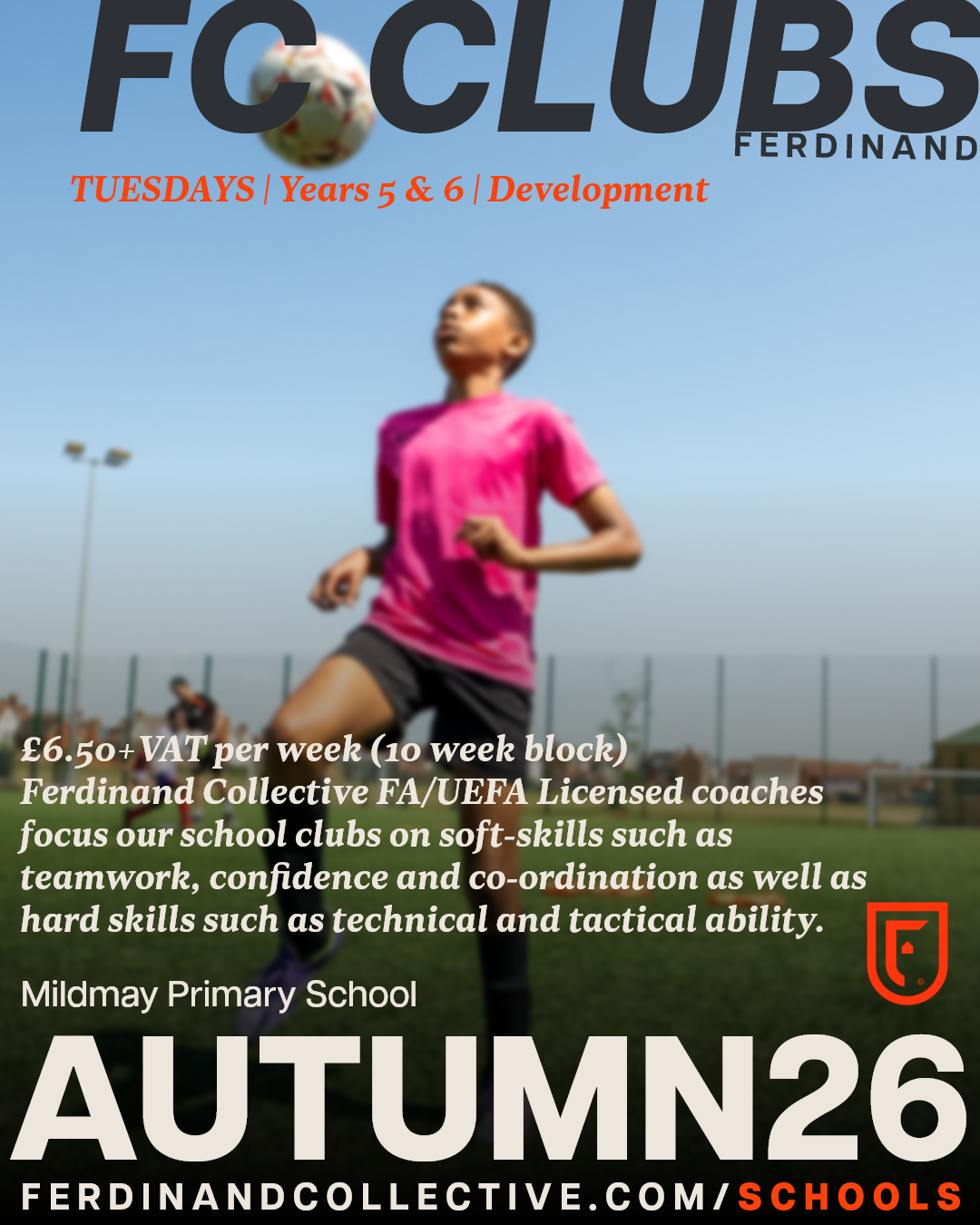
Mildmay | After School Club | YR 5 & 6 | Tuesday AUTUMN 26
Mildmay Primary School | YEARS 5 & 6
Start | Tuesday 15th September 2026
Finish | Tuesday 24 November 2026
(10 week block)
£65+VAT
Please ensure your child has suitable, weather-protective clothing, shin pads, boots and water to participate.
Full terms & conditions: https://www.ferdinandcollective.com/t-c-participation
❗Important - Please read the below text before registering❗
360Player Instructions:
1) When creating your account on the next page, please always select "I'm a parent to a player" and not "player". If a player only account is created, your account and submission will be deleted and you will need to recomplete the process.
2) After you have created your account you will be redirected back to the form. Please make sure you log in, if you aren't already and then complete the form.
3) After submitting the form, you will be entered into the club lobby group, which acts as the holding group. After the Ferdinand Collective team have reviewed your registration you will be moved out to the relevant group where you will find the calendar of events that your child is invited to.
4) After creating your account and completing the form. Please make sure that you download the 360Player app from your Android or Apple app stores. You will not need to create a new account.
5) Once all the above has been complete, please review the wall post in the club lobby group for extra tips on how to use 360Player.
Open
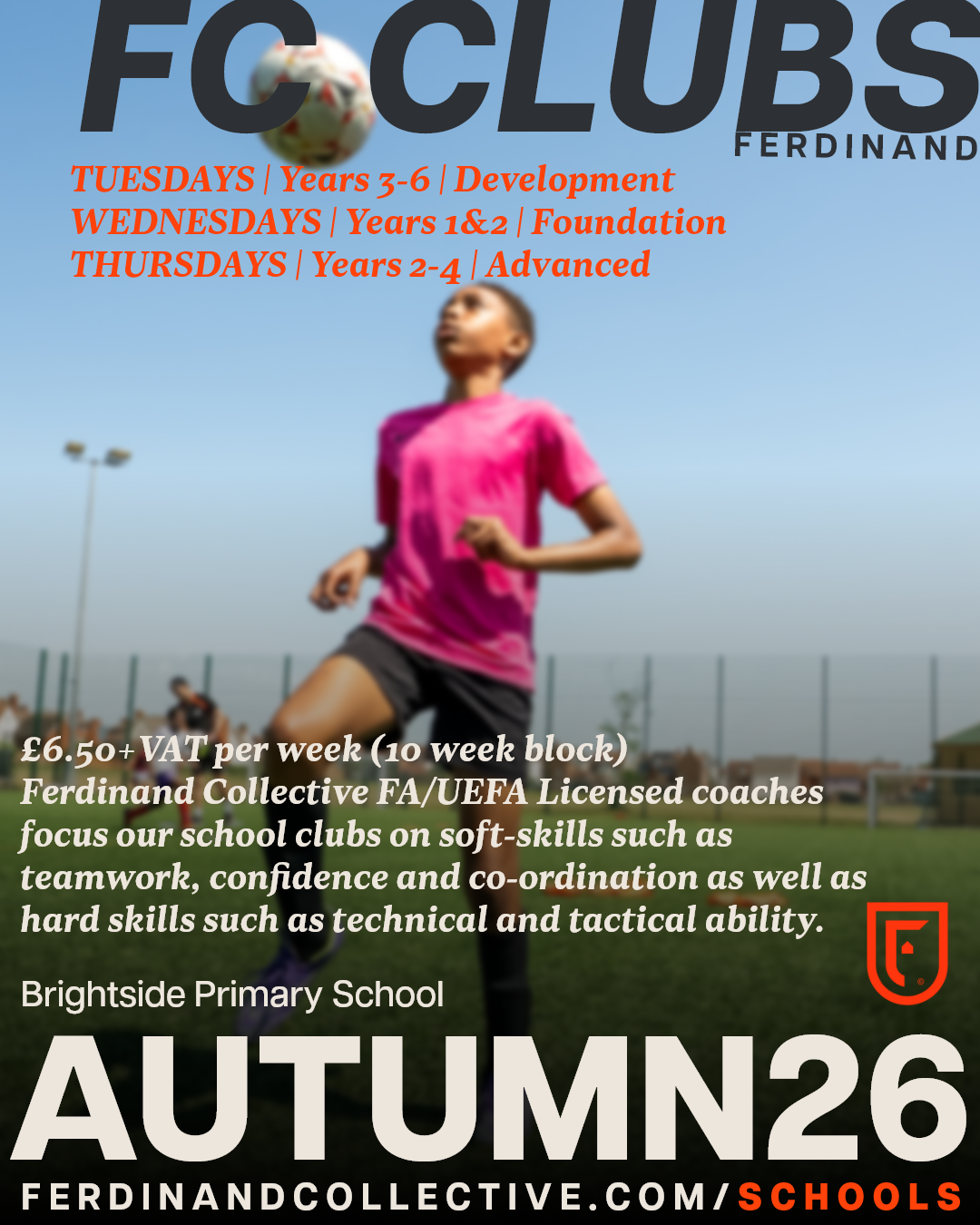
Brightside | After School Club | AUTUMN 2026
Brightside Primary School | Autumn 2026
Weeks commencing:
28th September - 19th October 2026
HALF TERM
2nd November 2026 - 7th December 2026
⚽ TUESDAYS | Years 3-6 | Development
⚽ WEDNESDAYS | Years 1&2 | Foundation
⚽ THURSDAYS | Years 2-4 | Advanced
10-week blocks | £65+VAT
Please ensure your child has suitable, weather-protective clothing, shin pads, boots and water to participate.
Full terms & conditions: https://www.ferdinandcollective.com/t-c-participation
❗Important - Please read the below text before registering❗
360Player Instructions:
1) When creating your account on the next page, please always select "I'm a parent to a player" and not "player". If a player only account is created, your account and submission will be deleted and you will need to recomplete the process.
2) After you have created your account you will be redirected back to the form. Please make sure you log in, if you aren't already and then complete the form.
3) After submitting the form, you will be entered into the club lobby group, which acts as the holding group. After the Ferdinand Collective team have reviewed your registration you will be moved out to the relevant group where you will find the calendar of events that your child is invited to.
4) After creating your account and completing the form. Please make sure that you download the 360Player app from your Android or Apple app stores. You will not need to create a new account.
5) Once all the above has been complete, please review the wall post in the club lobby group for extra tips on how to use 360Player.